Guide
How to Stop Checking Websites for Updates
Replace repetitive website refreshing with one specific yes-or-no question, a sensible schedule, and an alert that arrives when the answer changes.
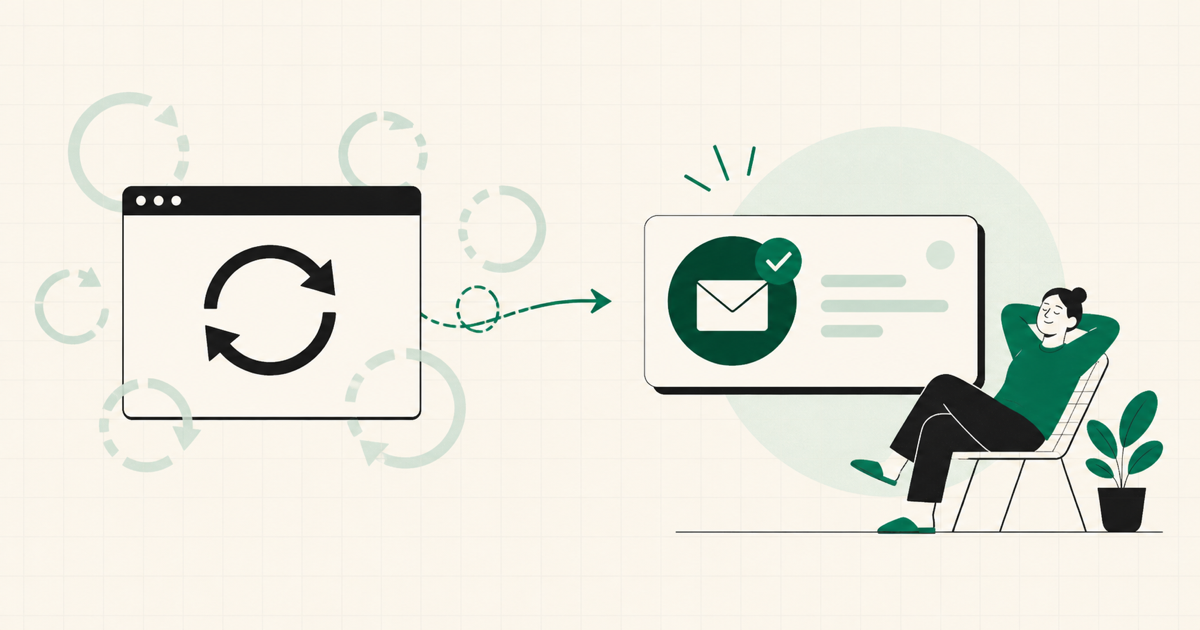
You probably do not mean to build a routine around checking a website. It starts with one page: a product that is out of stock, a tour that has not announced tickets, a show without a release date, or a software update that is still only a rumor.
Then the page becomes a tab. The tab becomes a habit. Before long, you are refreshing the same handful of sites every morning even though nothing has changed.
The way out is not to check faster. It is to describe the exact outcome you are waiting for and let a monitoring tool do the repetitive part.
Start with the outcome, not the page
Traditional website change alerts begin with a URL. They watch that page and report when its text, layout, price, or HTML changes. That can be useful when any edit matters, but it creates a problem when you only care about one real-world outcome.
Imagine that you are waiting for a concert announcement. The artist's website might change because a navigation label moved, a privacy notice was updated, or a new photo was added. None of those changes answer your actual question: Are tickets for the tour on sale?
A clear question removes the noise. Instead of monitoring a page, write down the thing that would make you stop checking it.
Good examples include:
- Is the new Kindle Oasis available to buy?
- Have tickets for the comedy tour gone on sale?
- Has season four of the show received an official release date?
- Is the limited-edition LEGO set back in stock?
- Has the stable version of the software update been released?
Each question describes a verifiable change from no to yes. That is much easier to monitor than a vague request such as “tell me when something happens with this product.”
Make the question specific enough to verify
A useful monitoring question usually identifies three things: the item or event, the outcome, and any constraint that changes what counts as yes.
“Is the GPU available?” leaves several decisions unresolved. Which model? In which country? At any price, or only at the manufacturer's suggested retail price?
“Is the Nvidia Founders Edition GPU available from an official U.S. retailer at MSRP?” gives the check something concrete to evaluate. A reseller listing at twice the price no longer counts as success.
The same pattern applies across different kinds of updates:
- For releases, distinguish an official announcement from a rumor.
- For availability, include the exact model, size, color, region, or price limit.
- For tickets, name the performer, city, venue, or tour.
- For software, identify the version and whether you mean beta or stable release.
- For policy changes, identify the organization and the decision that must become official.
If the first results are too broad, rewrite the question. Specificity is not busywork; it is how you teach the monitor what “done” means.
Choose a schedule that matches the event
Not every question needs to be checked every day. The right frequency depends on how quickly the information can change and how urgently you need to act.
A daily check can make sense for scarce inventory or tickets that may sell quickly. Weekly is a comfortable default for release dates, product announcements, and projects that move gradually. Monthly or yearly checks work for long-horizon questions where the answer is unlikely to change soon.
The goal is not maximum checking. The goal is enough checking that you can forget the task without missing the moment that matters.
It also helps to match the schedule to what you would realistically do after an alert. If a result can wait until the weekend, checking it several times a day only creates unnecessary work. If a scarce ticket or restock requires an immediate decision, a more frequent schedule may be worth it. Monitoring should reflect the urgency of your next action, not the anxiety created by an open tab.
Decide which answer should trigger the notification
Most waiting questions begin at no and eventually become yes:
Is the product back in stock?
But the reverse can matter too:
Is the service still accepting applications?
In that case, you might want to know when the answer changes to no. Choosing the trigger condition makes the notification intentional. You are not asking for an email after every check; you are asking for one when the result reaches the state you care about.
Keep the evidence attached
An alert is more useful when you can see why it fired. If a product-monitoring email says “yes” without showing where that answer came from, your next action is often another search.
YesNotice includes reasoning and source links with its checks. That lets you move from notification to verification without reconstructing the search yourself. For a release, you can look for the official announcement. For availability, you can go to the relevant source and confirm the region, variant, and price before buying.
Sources also help with borderline answers. An article may repeat a rumor while the official product page remains unchanged. Seeing the evidence makes it easier to judge whether the result matches the standard in your question.
Let forgetting be the success condition
The best monitoring setup is not one you constantly manage. It is one you can forget.
Write a question that captures the outcome. Pick a frequency that fits the pace of the event. Choose the answer that should trigger an email. Then close the tab.
You do not need to remember which sites to visit or whether you checked yesterday. When the answer changes, the notification brings the question back at the moment it becomes relevant.
That is the real value of monitoring: not more information, but fewer unfinished reminders competing for your attention.
Create a free YesNotice and hand off the first question you are tired of checking.